Introduction:
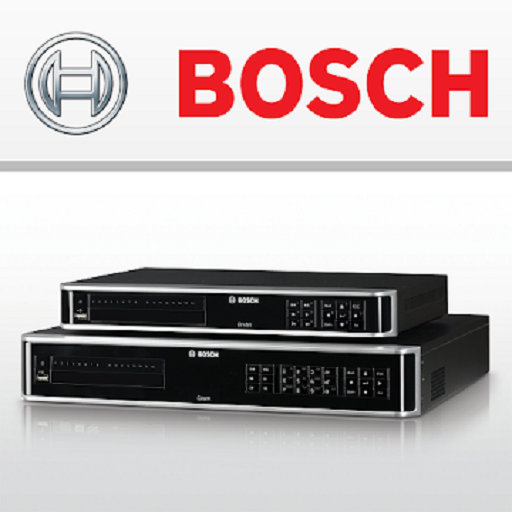
The DIVAR Mobile Viewer is a dedicated mobile application designed to provide remote access to surveillance systems built on Bosch DIVAR recorders. Its core purpose is to enable users to monitor live and recorded security footage directly from their Android devices. This app serves as a crucial link for security personnel, business owners, and homeowners who rely on Bosch's ecosystem for their protection needs. The primary value of the DIVAR Mobile Viewer lies in its ability to deliver real-time visibility, transforming a mobile device into a portable monitoring station.
Key Features of DIVAR Mobile Viewer
The functionality of the DIVAR Mobile Viewer is built around a set of robust, practical features that facilitate comprehensive remote surveillance.
Live Video Monitoring: Users can stream real-time video feeds from any camera connected to a compatible Bosch DIVAR network, hybrid, or analog recorder.
Multi-Screen Viewing: The application supports a multi-screen live video mode, allowing for the simultaneous monitoring of several camera feeds on a single device screen.
Playback Functionality: Access stored recordings for review. The multi-screen playback feature even supports retrieving footage from multiple recorders and cameras at once.
PTZ Camera Control: For systems equipped with Pan-Tilt-Zoom cameras, the DIVAR Mobile Viewer offers full control. Users can adjust the camera’s focus, pan, tilt, and zoom functions either through intuitive finger gestures or on-screen buttons.
Favorites and Snapshots: The app allows users to mark specific camera channels as favorites for quick access. It also provides easy retrieval of saved snapshots.
Multi-Language Support: To cater to a global user base, the DIVAR Mobile Viewer includes support for multiple languages.
Why Choose DIVAR Mobile Viewer?
Choosing the DIVAR Mobile Viewer is a decision based on integration and reliability. It is specifically engineered to work seamlessly within the proven Bosch security infrastructure, ensuring stable and secure connections to your professional-grade equipment. The advantage of using the official DIVAR Mobile Viewer is its guaranteed compatibility and optimized performance, which third-party apps cannot always provide. It turns any Android smartphone or tablet into a powerful extension of your existing security system.
How to Download DIVAR Mobile Viewer
The DIVAR Mobile Viewer is available for free download from the official Google Play Store. To ensure a secure and authentic installation, always obtain the app from this official source. Before downloading, verify that your mobile device meets the system requirements and that your Bosch recorder is configured for remote access, which may involve adjusting network settings on your recorder and router.
Overview of the Latest Version’s New Features
While specific update notes vary, developers consistently work to enhance the DIVAR Mobile Viewer. Typical improvements in recent versions focus on bolstering stability for a more reliable connection, refining the user interface for simpler navigation, and addressing any security vulnerabilities to protect user data and footage.
Tips for Using DIVAR Mobile Viewer
For the best experience with the DIVAR Mobile Viewer, ensure you have a strong and stable internet connection on both your mobile device and your recorder. Utilize the favorites feature to create a personalized list of frequently viewed cameras, saving significant time during daily checks. When reviewing footage, use the multi-screen playback to correlate events across different camera angles efficiently.
User Review
General user feedback for the DIVAR Mobile Viewer highlights its essential role for those invested in the Bosch ecosystem. Users frequently appreciate the ability to check on their properties remotely with a reliable and official tool. The PTZ control functionality is often cited as a standout feature for those with compatible cameras. Some users note that initial setup for remote access requires careful network configuration, but overall, the DIVAR Mobile Viewer is regarded as a competent and professional mobile surveillance solution.


